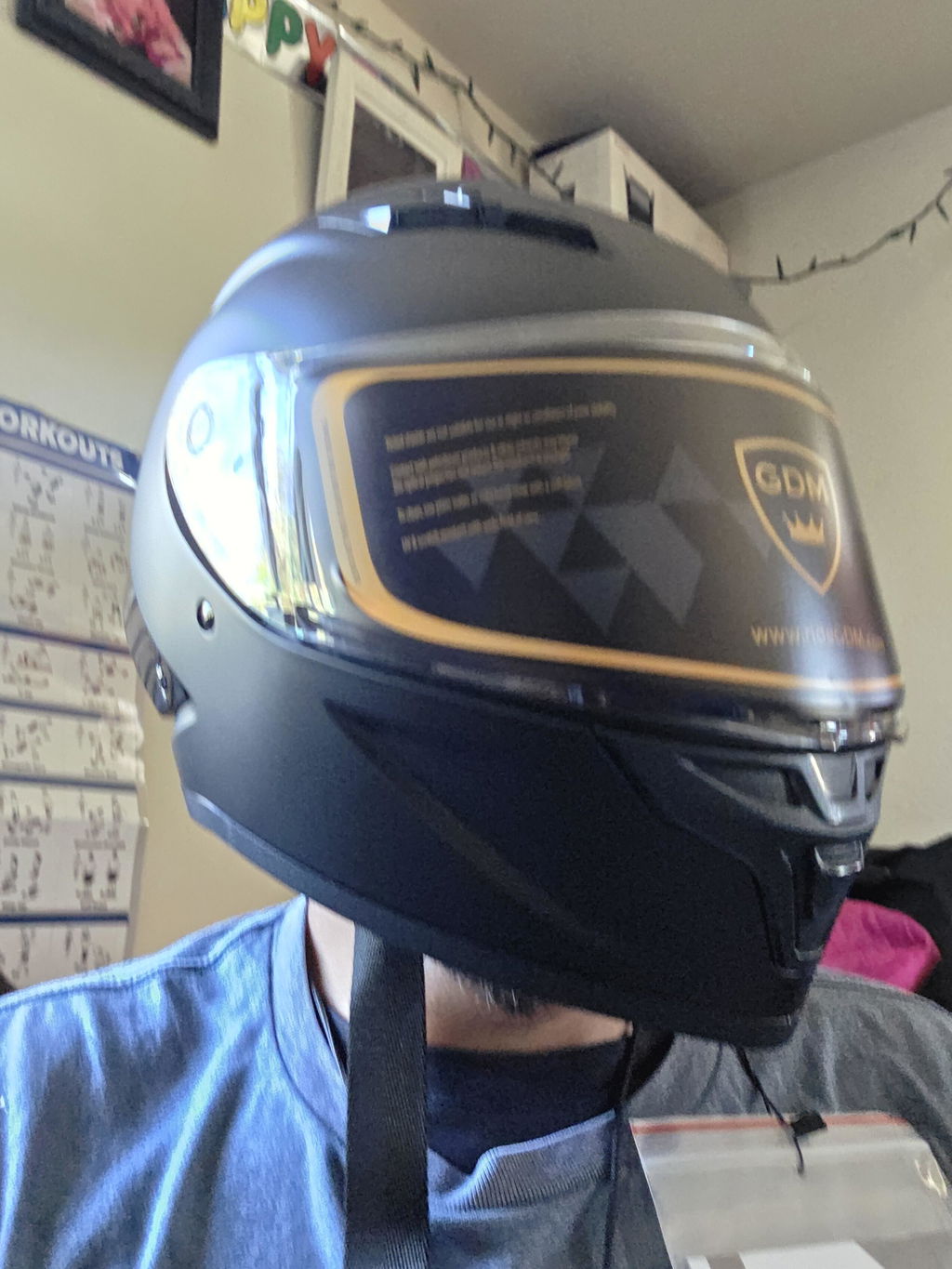
You paired the headset, turned the volume all the way up, and you still can't hear your music or GPS above 50 mph. Most of the time the headset isn't the problem. It's where the speakers sit, how far they are from your ears, and how much wind noise they're up against. Here's how to get louder, clearer sound from your motorcycle helmet speakers, and how to do it without hurting your hearing.
Quick answer
- Center each speaker right over your ear canal.
- Bring the speakers close enough to just touch your ears.
- Cut the wind noise: earplugs, a chin curtain and a snug fit.
- Check your phone's media volume and the headset's own volume.
- Check the plug and wires.
- Replace worn or damaged speakers.
Why helmet speakers sound quiet
- Distance. Helmet speakers are small. A speaker sitting a finger's width away from your ear loses a lot of volume and most of its bass.
- Position. A speaker that sits on your cheek or behind your ear sends most of its sound into the padding.
- Wind noise. Above about 40 mph, the noise of the air rushing over you and your helmet is louder than the motorcycle itself, according to helmet noise research from ISVR at the University of Southampton. The speakers have to compete with it.
- Settings. Your phone has separate volumes for calls and media, and the headset has its own volume on top.
7 ways to make helmet speakers louder and clearer
1. Center the speakers over your ear canals
Most full face helmets have a recess in the foam liner at each ear, under the comfort padding. That's where the speakers go. Put the helmet on, feel where the opening of your ear sits, then take it off and mark the spot with a small piece of tape. Stick the speaker's hook-and-loop pad there, centered on the mark. Moving a speaker even half an inch can make a big difference.
2. Close the gap
If the ear pocket is deep, the speaker sits too far from your ear. Put a thin foam spacer behind the speaker, between it and the liner, to bring it closer. The speaker should just touch your ear, not press on it. A speaker pushing on your ear starts to hurt within an hour; see the ear section of how to break in a new helmet.
Never cut or carve the EPS foam liner to make room for a speaker. That liner is what protects your head in a crash.
3. Use thin speaker covers
Thick foam covers muffle the sound. If your speakers have them, try thinner covers or none. If you ride with a balaclava, choose a thin one made for helmets.
4. Cut the wind noise first
Turning the speakers up to beat the wind just adds more noise to your ears. Lower the noise instead:
- Wear foam earplugs. With the wind noise cut down, many riders hear speech and music more clearly at a lower volume.
- Add a chin curtain. It blocks the air coming up under the helmet. GDM makes a helmet chin curtain for select GDM full face helmets.
- Close the vents at highway speed.
- Check the fit. A loose helmet lets in more wind.
More fixes are in how to reduce motorcycle helmet wind noise.
5. Check the volume settings
Turn up the media volume on your phone (it's separate from the call volume), then turn up the headset with its own buttons. Check that your phone doesn't have a headphone volume limit switched on, and try your music app's equalizer: a little more bass and mid-range helps against wind noise.
6. Check the plug and wires
Unplug the speaker cable from the headset and plug it back in firmly. Then follow the wires inside the helmet: a wire pinched under a cheek pad or bent sharply at the plug can cut out one side or make the sound crackle.
7. Replace worn or damaged speakers
Speakers wear out, and sweat, rain and pulled wires take a toll. If one side is quiet, crackles or cuts out after you've checked the plug, replace the speaker set. Use speakers made for your headset, so the plug and sound match. GDM sells replacement speakers and mic for the HyperSonic and SuperSonic, and a separate speaker and mic set for the SuperSonic MINI.
Protect your hearing
The U.S. National Institute for Occupational Safety and Health recommends keeping noise exposure at or below 85 decibels averaged over 8 hours, and every 3 decibels above that halves the safe time. Wind noise inside a helmet at highway speed is often well above that, and turning the speakers up to drown it out adds more.
That's why earplugs and helmet speakers work together: the plugs lower the wind noise, so you can keep the speakers quieter. If your ears ring or sound muffled after a ride, the noise was too loud. That's temporary at first, but it can become permanent if it happens again and again.
Some states limit earphones or earplugs in both ears while riding, so check your state's rules. Our Bluetooth headset guide has more on headsets and the law.
When to upgrade instead
If your headset is old, has tiny speakers or loses its connection often, a new headset may be the better fix. The GDM HyperSonic adds a rider-to-rider intercom; the GDM SuperSonic connects to your phone for calls, music and GPS. Or start fresh with a helmet that comes with a headset: see our Bluetooth motorcycle helmets, and what a Bluetooth helmet costs.
FAQ
Why are my helmet speakers so quiet?
Usually because they sit too far from your ears or off-center, and wind noise drowns them out. Center them over your ear canals, bring them closer with a thin spacer, and wear earplugs to cut the wind noise.
Where should speakers go in a motorcycle helmet?
In the ear pockets of the liner, centered over the opening of each ear, close enough to just touch your ears without pressing on them.
Can I wear earplugs with helmet speakers?
Yes. With the wind noise turned down, many riders hear the speakers more clearly, at a lower volume. Check your state's rules on earplugs first.
Can I put different speakers in my headset?
Use speakers made for your headset model, so the plug fits and the sound matches. GDM sells replacement speaker and mic sets for the HyperSonic, SuperSonic and SuperSonic MINI.
Can helmet speakers damage your hearing?
They can if you turn them up to drown out wind noise. Lower the wind noise first, with earplugs and a good fit, and keep the volume as low as you can while still hearing clearly.